


Best Math Apps for Kids Compared: What to Look For Before You Choose
How’s your child doing in math these days? Many parents I know find that their kids struggle with math in school. We were fortunate in this regard because my husband teaches math, so our kiddos have been doing math since long before they were in K; but most families aren’t so lucky. Which means either you’re borrowing my kiddos for after-school math help (as some of our kids’ friends do), or you’re hiring an after school tutor, or you’re looking for an app that can help your offspring with basic math skills.
Unless your child attends school somewhere that is device-free, chances are good that they’re already doing at least some math practice electronically. But what’s the best one for helping them practice and advance outside of school hours? This guide is designed to help you sort through some of the options.

This is a collaboration post. However, please know I stand behind everything written here, and only include links to products/services/resources I’m willing to recommend personally.
The criteria that actually matter
Before comparing math apps, you should weigh several factors: whether it fits your child’s level, whether your child will use it willingly, whether the app gives instant feedback, and whether its claim of being “free” is legit. You also need to decide which of these factors matters most to YOUR family and YOUR child, since the best app for your neighbor’s kid won’t necessarily fit your family’s situation the best. Here’s some more food for thought as you decide what factors matter the most to your situation:
Does it fit your child’s level?
This is the single most important factor. An app that’s either too easy or too hard will leave your child frustrated. Look for an app that matches where your child actually is, ideally with adjustable difficulty so it can meet them precisely and grow with them.
Will your child actually use it?
An app’s content is worthless if the child refuses to open it. Willingness is everything, especially for a reluctant child. Ask whether the app is engaging enough that your child will practice without being pushed, because that determines whether any learning happens at all.
Does it give immediate feedback?
Kids learn math faster when a wrong answer is corrected right away and a right one is confirmed instantly. Immediate, low-stakes feedback closes the learning loop. An app with delayed or punishing feedback means less learning and more stress for your child.
Can you steer and see progress?
You need some control over what your child practices, as well as a way to monitor their progress and learning. Look for settings to control topic and difficulty and a way to see progress, so the app is a tool you can direct rather than a black box.
Is it truly “free”?
“Free” ranges from everything-open to a thin teaser. Before choosing, you need to understand exactly what’s included in an app’s “free” version and what’s hidden behind a paywall. Honest, clear, and upfront pricing is a good sign of a trustworthy app.
Does it cover what your child needs?
Match the app’s math to your child’s needs. Counting and number sense, core arithmetic, or concepts beyond. An app can be excellent and still be wrong because it covers the wrong stage. Check the scope before anything else.
How the apps compare against the criteria
Based on the criteria spelled out above, here’s how six of the most popular apps stack up:
1. Best on willingness and fit: MathHero

MathHero is a story-driven adventure for ages 5 to 10 covering addition, subtraction, times tables, and division, where solving math is the action mechanic.
- Fits your child’s level: Yes, precisely. Fine-grained controls set operation, difficulty, format, and pace, so it meets a child where they are and grows with them, and lets siblings at different levels share it.
- Will your child use it? This is its standout. Because math is embedded in a game kids want to play, children practice willingly, and parents consistently report kids asking to play. On the criterion that matters most, it is the strongest here.
- Immediate feedback: Yes. Answers register instantly in the flow of the game, with low stakes, so the learning loop stays tight and the child stays relaxed.
- Steer and see progress: Yes. You choose the topic, difficulty, and format, and progress shows in the game as levels cleared and skills built.
- Is it truly free? Yes, unusually so. The whole game is completable free at five levels per day, no ads, no locked content, with a subscription only lifting the daily cap.
- Coverage: Core arithmetic, ages 5 to 10. It starts at first addition, not counting, and does not cover fractions or geometry. Within core arithmetic, it is squarely on target.
2. Best truly free app: Khan Academy Kids

Khan Academy Kids is both free to use AND free from ads, with no in app purchases, for ages 2 to 8. Its counterpart, Khan Academy, is perfect for kids older than 8 and anyone wanting to study more advanced concepts. My own high schoolers have used it during the summer to brush up on concepts and work ahead in their own math studies (and my 10th grader has just started using Khan Academy to learn trigonometry in her spare time, “just for fun”).
- Fits your child’s level: For the early years, yes. It is built for counting and number sense, so it fits young kids and not older ones; the full Khan Academy, likewise, is great for more advanced learners.
- Will your child use it? Generally yes for young kids, thanks to gentle, friendly design, though it is calmer than a game, so a child needing a strong hook may engage less.
- Immediate feedback: Yes, gentle and encouraging.
- Steer and see progress: Some, through its learning paths, though less granular than a dedicated tracker.
- Is it truly free? The gold standard. Everything is free, no ads, no purchases.
- Coverage: Early years only. A strong start, not a full elementary program. (But again, see the full Khan Academy when your child is ready for more.)
3. Best for steering and progress: IXL
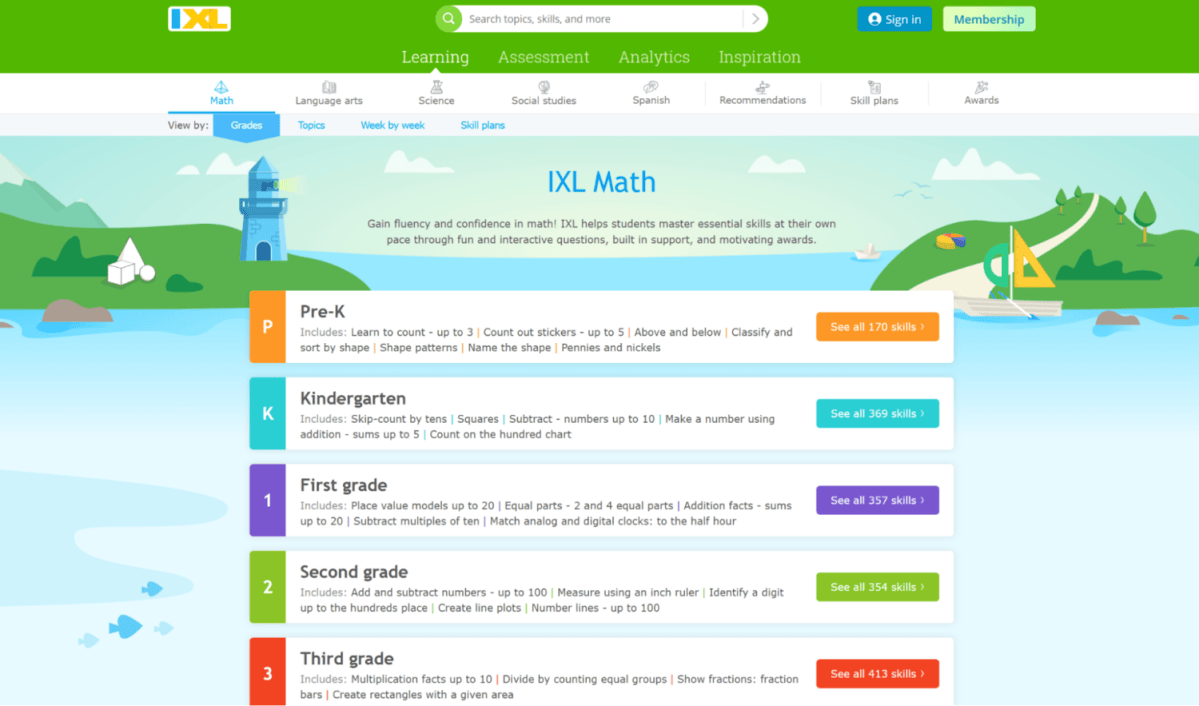
IXL provides math exercises for students from pre-K to 12th grade, curriculum aligned, with a diagnostic and detailed analytics.
- Fits your child’s level: Yes, with a diagnostic that targets the right skills across a huge grade range.
- Will your child use it? Depends on the child. It is practice, not a game, so a willing child uses it readily and a reluctant one may resist.
- Immediate feedback: Yes, with explanations.
- Steer and see progress: Its standout. Granular tracking and skill recommendations give you precise visibility and control.
- Is it truly free? Limited free tier, mostly paid. Confirm current pricing on IXL’s site.
- Coverage: Very broad, pre-K to 12th grade.
4. Strongest grade range in a game: Prodigy Math
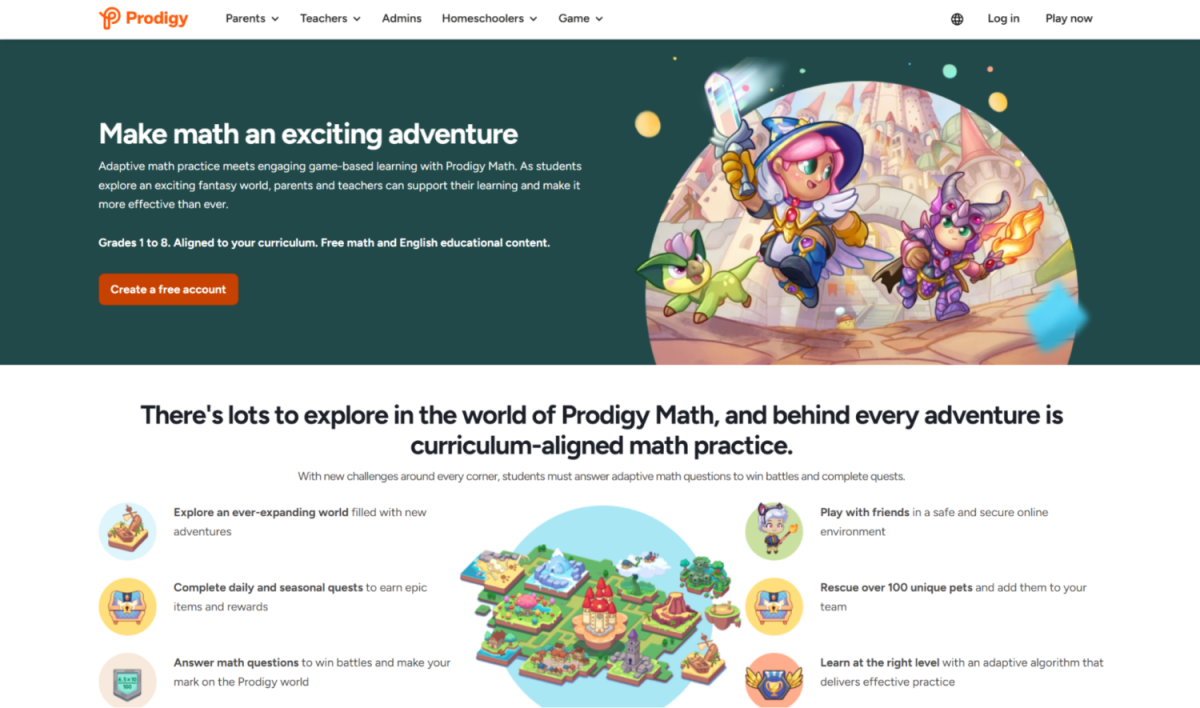
Prodigy Math is a fantasy-based math game covering roughly 1st to 8th grade.
- Fits your child’s level: Yes across a wide range, though the world suits older kids more than the youngest.
- Will your child use it? Game-loving kids engage well, drawn by the role-playing world.
- Immediate feedback: Yes, within the game.
- Steer and see progress: Some, with more tools for parents and educators than a pure game.
- Is it truly free? Free to play, but much of the motivating content is behind a paid membership. Check current pricing on Prodigy’s site or in the app.
- Coverage: Broad, 1st to 8th grade.
5. Best for meeting your child where they’re at: DoodleMath

DoodleMath tailors content based on a student’s strengths and weaknesses, adjusting as they improve.
- Fits your child’s level: Yes, its personalized set keeps difficulty well matched.
- Will your child use it? Depends on the child, as it’s practice rather than a game.
- Immediate feedback: Yes.
- Steer and see progress: Yes, with tracking of strengths and weaknesses.
- Is it truly free? Limited; check current pricing on DoodleLearning’s site.
- Coverage: Elementary range.
6. Best overall breadth: SplashLearn

SplashLearn offers a large library of games and worksheets for Pre-K through Grade 5, curriculum aligned.
- Fits your child’s level: Yes, for grades K-5, with grade-level content.
- Will your child use it? Variety helps, though rewards on top of exercises can engage less than a true game.
- Immediate feedback: Yes.
- Steer and see progress: Yes, with assignment and tracking tools.
- Is it truly free? Limited free tier; check current pricing in the app.
- Coverage: Broad, Pre-K to Grade 5.
Putting the criteria to work
1. Rank the criteria by your situation
Decide which criteria matter most for what your child needs out of a math app. For a reluctant child, willingness dominates. For a willing child needing coverage, steering and progress matter more. Weight the criteria to your situation, then pick the app that scores highest on what you weighted.
2. Use free versions to test what matters most to you
Whatever your most important criterion, test it with a free version before paying. If willingness is your priority, watch whether your child chooses to play. If fit is, watch whether the difficulty lands. Let the free trial answer your key question.
3. Don’t overvalue features you don’t care about
A long feature list means little if the app fails your top criterion. An app your child won’t use is worthless however feature-rich, so keep the criteria, not the specs, at the center of your decision.
Red flags to watch for
The criteria tell you what a good app has. It also helps to know the warning signs of one to avoid.
“Free” that is really a teaser
An app advertised as free whose free portion is a thin sample designed mainly to sell the paid version is a red flag, not because charging is wrong, but because the framing is misleading. Read what free actually includes, and favor apps honest about their pricing.
Ads aimed at children
Free apps monetized through ads can expose a child to constant, distracting, sometimes inappropriate marketing. For a young child especially, ads are a serious red flag. Check the store listing, and lean toward ad-free options.
Punishing or high-pressure feedback
An app that makes mistakes feel bad, through harsh sounds, lost progress, or timers that induce panic, can breed anxiety rather than learning. Feedback should be immediate but low-stakes. Punishing feedback is a red flag, especially for an anxious or reluctant child.
One-size-fits-all difficulty
An app with no way to adjust difficulty cannot fit a particular child, so it will bore some and overwhelm others. The lack of adjustable difficulty is a red flag, because fit is the most important criterion and a rigid app cannot deliver it.
How to run your own comparison:
With the criteria in hand, you can evaluate any math app yourself, including ones released after any list is written. Here is a simple process.
1. Shortlist against scope and level first
Start by ruling out apps that cover the wrong stage for your child, since scope and level are threshold criteria. An app for counting is simply wrong for a child drilling division, however good it is. Narrow to apps that cover what your child actually needs before looking closer.
2. Test the shortlist with free versions
For each remaining app, use the free version to check your top criteria, especially whether your child will use it. A week or two of real use tells you more than any review, because it shows how your actual child responds rather than how a stranger’s did.
3. Compare on the same yardstick
Score each app on the same criteria: fit, willingness, feedback, steering, are they truly free, and coverage, rather than on their marketing. Using one yardstick makes the comparison fair and surfaces the app that genuinely fits your child best, not the one with the slickest pitch.
4. Decide, then stay flexible
Pick the app that scores highest on what you weighted, commit to it for a while, but stay ready to revisit as your child grows. The right app today may need replacing in a year, and rerunning this quick process periodically keeps the tool matched to the child.
The bottom line:
Skip the ranking and start with criteria: fit, willingness, feedback, steering, truly free, and coverage. Judged that way, MathHero leads on the factor that matters most, whether your child will actually use it, for the 5 to 10 arithmetic years. Khan Academy Kids wins on being truly free, IXL on tracking, and the others fit specific needs. Weight the criteria to your child, test your top one with a free version, and choose the app that scores highest on what you actually need. That beats any ranking.
If you enjoyed this post on the best math apps, please share with others by pinning this image!

NOTE: This site contains affiliate links. I may earn a small commission from any purchases made through affiliate links, at no additional cost to you. For more information, please read the full disclosure/privacy policy.
Follow Super Mom Hacks on Facebook, Instagram, Pinterest, and X!
Or stay in the loop by ✅ joining our mailing list!

